
Convert any HTML to Figma: just paste a URL and press convert.
Try htmltofigma.netHow to Get a Shopify Admin API Access Token
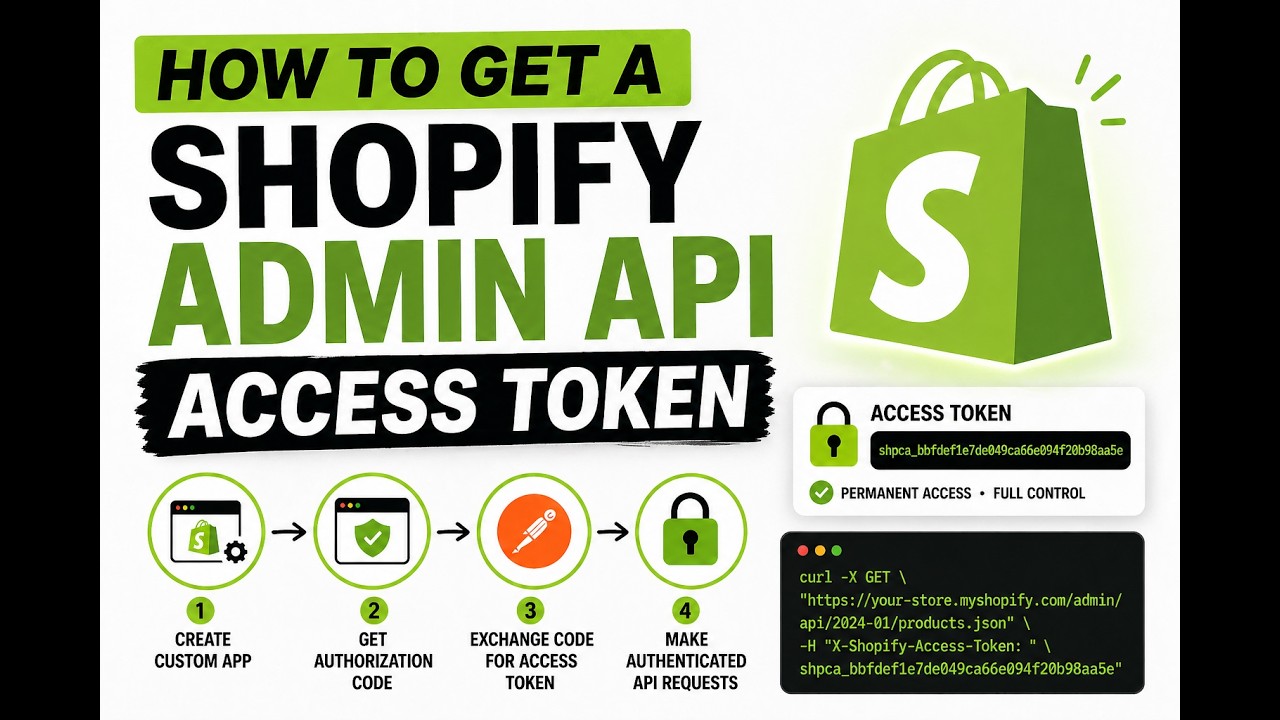
If you want to interact with the Shopify Admin API, to read or write products, metaobjects, files, and more, you need an access token. This guide walks you through the full OAuth flow: creating a custom app in the Shopify Partner dashboard, getting an authorization code, and exchanging it for a token using Postman.
Step 1: Create a Custom App in the Shopify Partner Dashboard
- Go to your Shopify Partner Dashboard → Apps → Create app.
- Choose Create app manually.
- Give it a name (e.g. “Admin API Tool”).
- Under Configuration, set the App URL and Allowed redirection URL(s). For local testing, use:
http://localhost - Under API scopes, select all the permissions you need. Common ones:
write_productswrite_product_listingswrite_fileswrite_metaobject_definitionswrite_metaobjects
- Save the app. Copy the Client ID and Client Secret, you will need both in the next steps.
Step 2: Request Authorization (Get the Code)
Open your browser and navigate to the following URL, replacing the placeholders with your actual values:
https://YOUR-STORE.myshopify.com/admin/oauth/authorize?client_id=YOUR_CLIENT_ID&redirect_uri=http://localhostExample:
https://saad0011.myshopify.com/admin/oauth/authorize?client_id=ee54bec3ce22bceee7dcf86de570cbb2&redirect_uri=http://localhost- Shopify will show a permission screen listing the scopes your app is requesting.
- Click Install app to approve.
- You will be redirected to
http://localhost(the browser will show an error, this is expected since localhost isn’t running a server).
The redirect URL will look like this:
http://localhost/?code=3bb6b41a3aec7c6189473880ff0b2a21&hmac=d6981f1fcf232527f922...&shop=saad0011.myshopify.com×tamp=1771396570Copy the code parameter from the URL. This is your one-time authorization code.
Step 3: Exchange the Code for an Access Token (Using Postman)
Now make a POST request to exchange the authorization code for a permanent access token.
Endpoint:
POST https://YOUR-STORE.myshopify.com/admin/oauth/access_tokenQuery Parameters:
| Key | Value |
|---|---|
client_id | Your app’s Client ID |
client_secret | Your app’s Client Secret |
code | The code from Step 2 |
Example in Postman:
- Method:
POST - URL:
https://saad0011.myshopify.com/admin/oauth/access_token - Add the three parameters above in the Params tab (or as query parameters in the URL).
Hit Send. The response will be a JSON object:
{
  "access_token": "shpca_************************",
  "scope": "write_files,write_metaobject_definitions,write_metaobjects,write_product_listings,write_products"
}
Save your access_token, this is what you will pass in the X-Shopify-Access-Token header for all subsequent Admin API requests.
Step 4: Make Authenticated API Requests
With your access token, you can now call any Admin API endpoint your scopes allow. Example using curl:
curl -X GET \
  "https://saad0011.myshopify.com/admin/api/2024-01/products.json" \
  -H "X-Shopify-Access-Token: shpca_************************"
Or in Postman, add a header:
- Key:
X-Shopify-Access-Token - Value:
shpca_************************
Important Notes
- The authorization code expires in 10 minutes. Complete Step 3 quickly after getting the code.
- The access token does not expire unless the app is uninstalled or the token is revoked.
- Store the token securely, treat it like a password. Do not commit it to version control.
- The token’s permissions are limited to the scopes you selected when creating the app.
That’s it! You now have a Shopify Admin API access token you can use to automate tasks, sync data, or build integrations. Need help with the next step? Message me on WhatsApp anytime.
Video Tutorial
Watch the step-by-step video tutorial here:
Reviews
Convert any HTML to Figma: just paste a URL and press convert.
Try htmltofigma.net