Convert any HTML to Figma: just paste a URL and press convert.
Try htmltofigma.netShopify Product Badges Without an App: Custom Text Labels Using Metafields
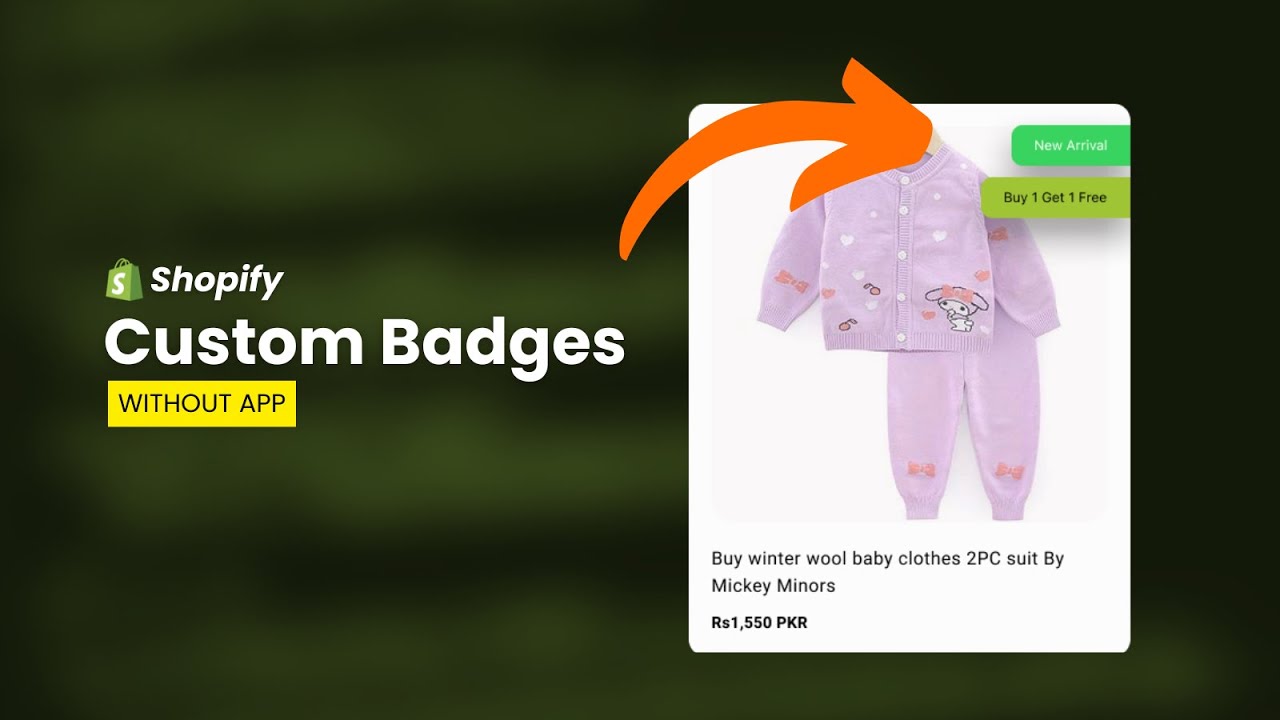
We will create custom product badges in Shopify without any app using metafields and a few lines of code. I have implemented this solution on the Shopify Dawn theme, but this solution can be implemented on any theme and the design can be modified as needed. If you need help implementing it, check out my Shopify services or message me on WhatsApp.
Steps
- Go to store settings → Metafields and metaobjects
- Add Products Metafield definition named as
Badges- Select the type as Single line text and List of values
- Create a snippet named as:
badges.liquid- Use the following snippet:
{%- assign custom_badges = product.metafields.custom.badges.value -%}
<div style="display: flex; flex-direction: column; gap: 10px; position: absolute; right: 10px; top: 10px;z-index:10;">
    {%- for custom_badge in custom_badges -%}
        {%- assign custom_badge_parts = custom_badge | split: '|' -%}
        {%- assign custom_badge_text = custom_badge_parts[0] -%}
        {%- assign custom_badge_bg = custom_badge_parts[1] -%}
        {%- assign custom_badge_color = custom_badge_parts[2] -%}
        <span style="background-color: {{ custom_badge_bg }}; color: {{ custom_badge_color }}; border-color: {{ custom_badge_color }}" class="custom-badge">{{ custom_badge_text }}</span>
    {%- endfor -%}
</div>- Then go to
base.cssand paste the following code at the end:
/* custom badge start */
.product-card-wrapper,
.product__media-wrapper {
  position: relative;
}
.custom-badge {
  border: 1px solid transparent;
  border-radius: 10px;
  display: inline-block;
  font-size: 1.2rem;
  letter-spacing: 0.1rem;
  line-height: 1;
  padding: 0.5rem 1.3rem 0.6rem 1.3rem;
  text-align: center;
  word-break: break-word;
}
/* custom badge end */- Then go to
card-product.liquidand search for this line<div class="card-wrapper product-card-wrapper underline-links-hover">and paste the following snippet under that:
{%- render 'badges', product: card_product -%}- Then go to
main-product.liquidand search for this line<div class="grid__item product__media-wrapper">and paste the following snippet under that:
{%- render 'badges', product: product -%}Video Tutorial
Watch the step-by-step video tutorial here:
Reviews
☆☆☆☆☆ No reviews yet
Convert any HTML to Figma: just paste a URL and press convert.
Try htmltofigma.net